

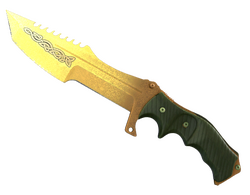
LoreKarambit
 —
—
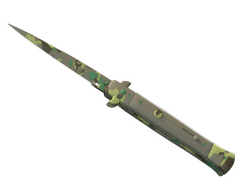

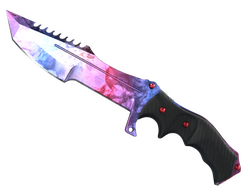
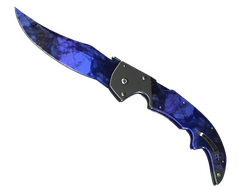
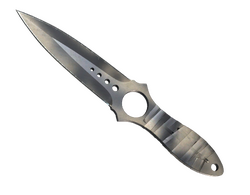
Skin examples · waiting for live feed
A name and an image help you find a collection, but they do not explain every condition. Before taking action, check the cost, possible outcomes and which items or funds will be used.
Start with the catalog and compare collections and listed prices. A case theme, name or illustration helps you navigate; a pictured item does not mean that you will receive that item when opening the case.
Check the contents, price and opening conditions in the available case interface. If probabilities are not stated, do not infer them from the order of images or other users’ results. If essential details are missing or unclear, wait until you have an answer before proceeding.
Before an upgrade, check the selected item or amount, the target item and what happens if the attempt fails. The name of the mode does not guarantee an increase in inventory value.
Use the conditions shown for the specific action you are considering. Do not assume that the probability or cost from an earlier attempt still applies: the selected items and parameters may differ.
If contracts are available in your account, review the full selection before confirming. Pay particular attention to similar names, item condition and copies you intended to keep in your collection.
Check the possible outcomes and what happens to the original items. Do not assume that an exchange can be reversed unless the conditions of that specific operation explicitly say so.
An offer may have its own eligibility requirements, expiration date, minimum amount or usage restrictions. A Bonuses section does not mean that every visitor is eligible for an offer.
Read the conditions before completing the required steps. The size of a bonus alone does not tell you whether it can be used or withdrawn without further restrictions. Do not assume that it can if the offer does not clearly explain this.
The price next to a card describes the catalog offer. It is not a promise of the value of a future outcome, nor does it establish the market price of every skin shown in an image.
Check the final amount and currency in the action interface before confirming. If they differ from the card, wait until the discrepancy is explained. When comparing item values, consider the exact item name, condition and transfer restrictions.